Acti for Mac
Speak in any app on your Mac. Your words land right where your cursor is.
Requires Acti Pro
Acti for Mac is available with Acti Pro.
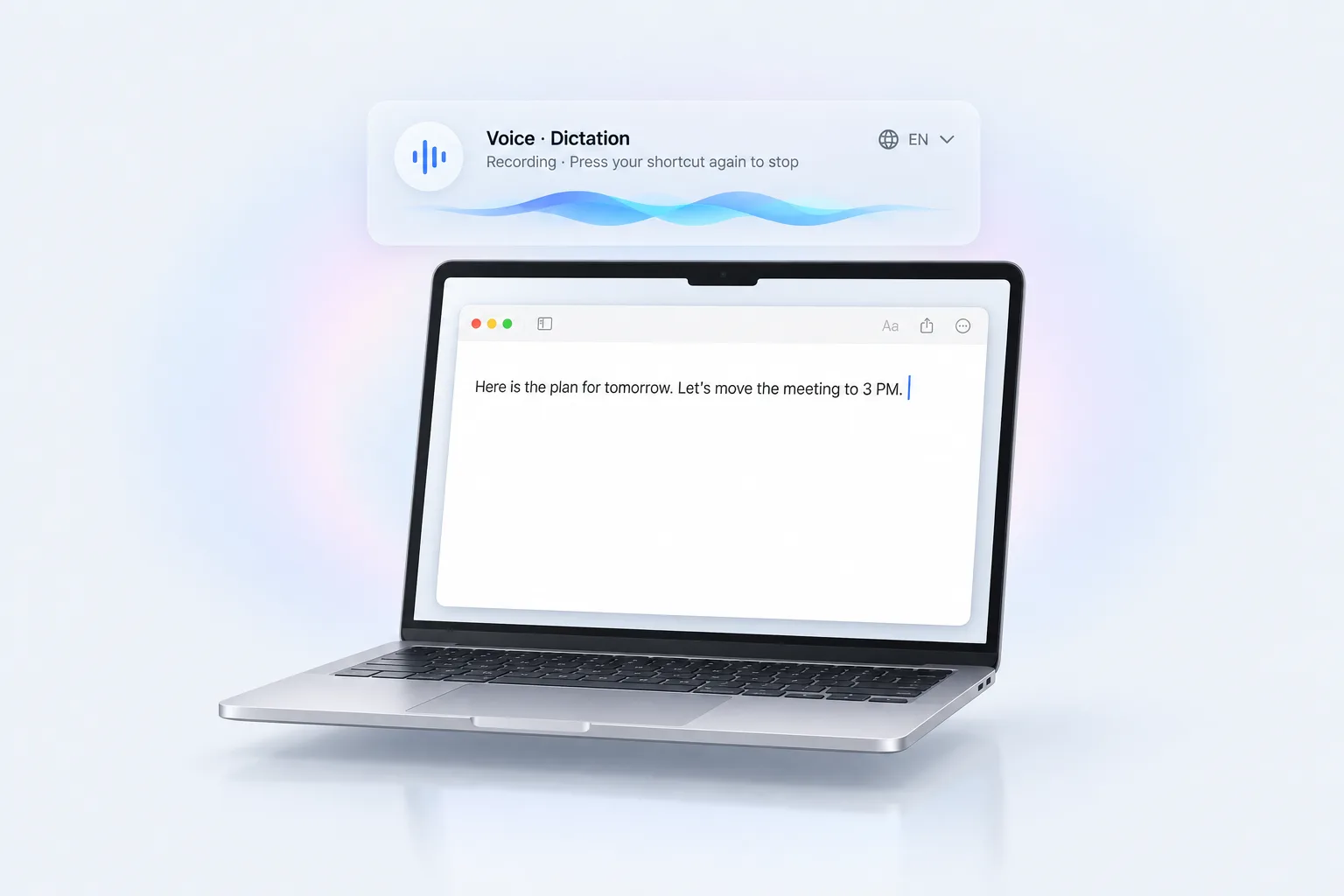
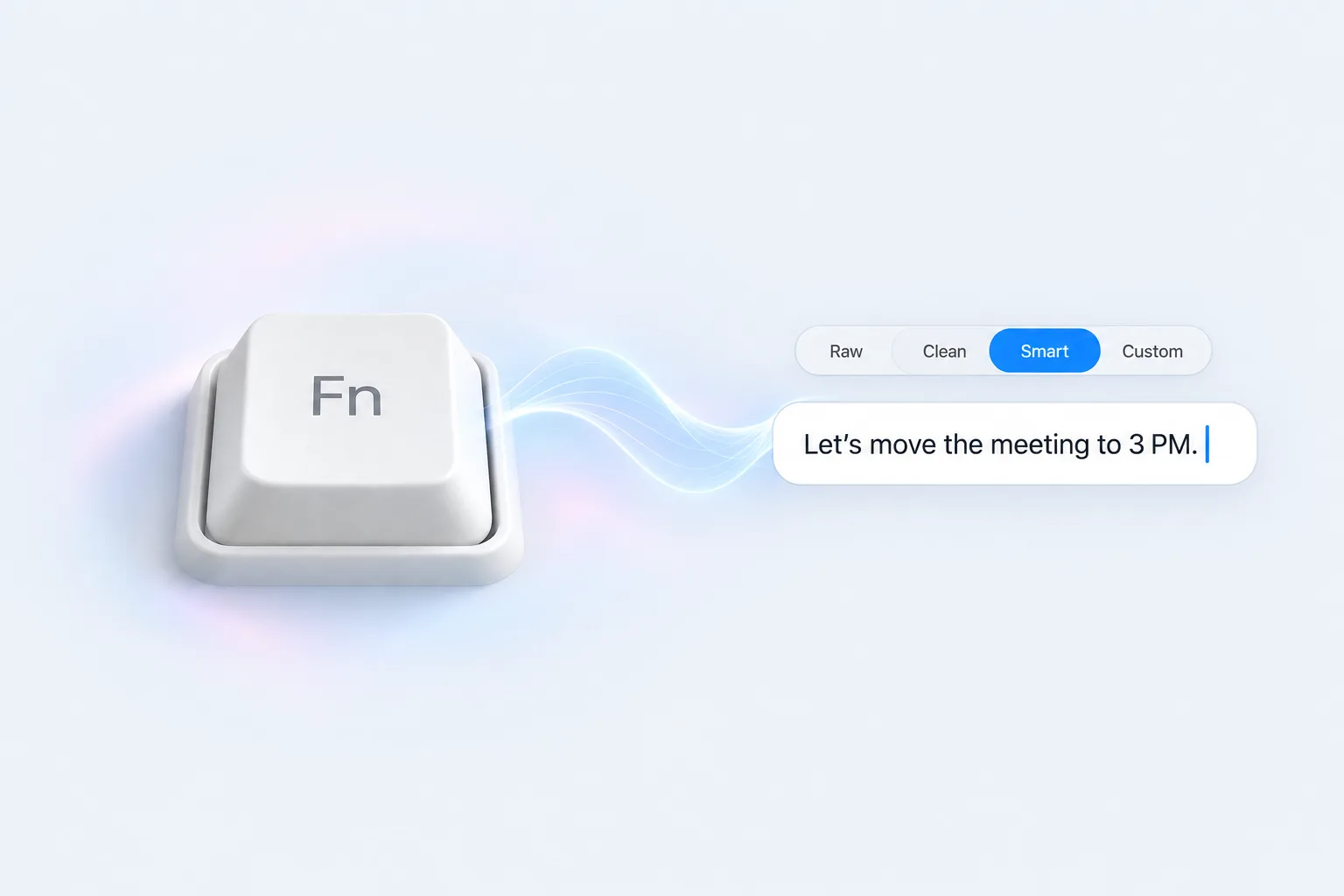
Hold Fn. Just talk.
Hold Fn to start dictating, press Fn again to finish, or press Esc to cancel. Your words are written once, right at the cursor in any app. Acti never presses Enter for you and never types into password fields.
- Four dictation levels: Raw, Clean, Smart or Custom, the same on your phone and your Mac.
- Translate as you speak: talk in one language, type in another.
- Use any microphone, Bluetooth included.
- History stays on your Mac: the last 100 entries, text only, never audio.
- Missed the text field? The result is kept for 15 minutes so you can copy it.
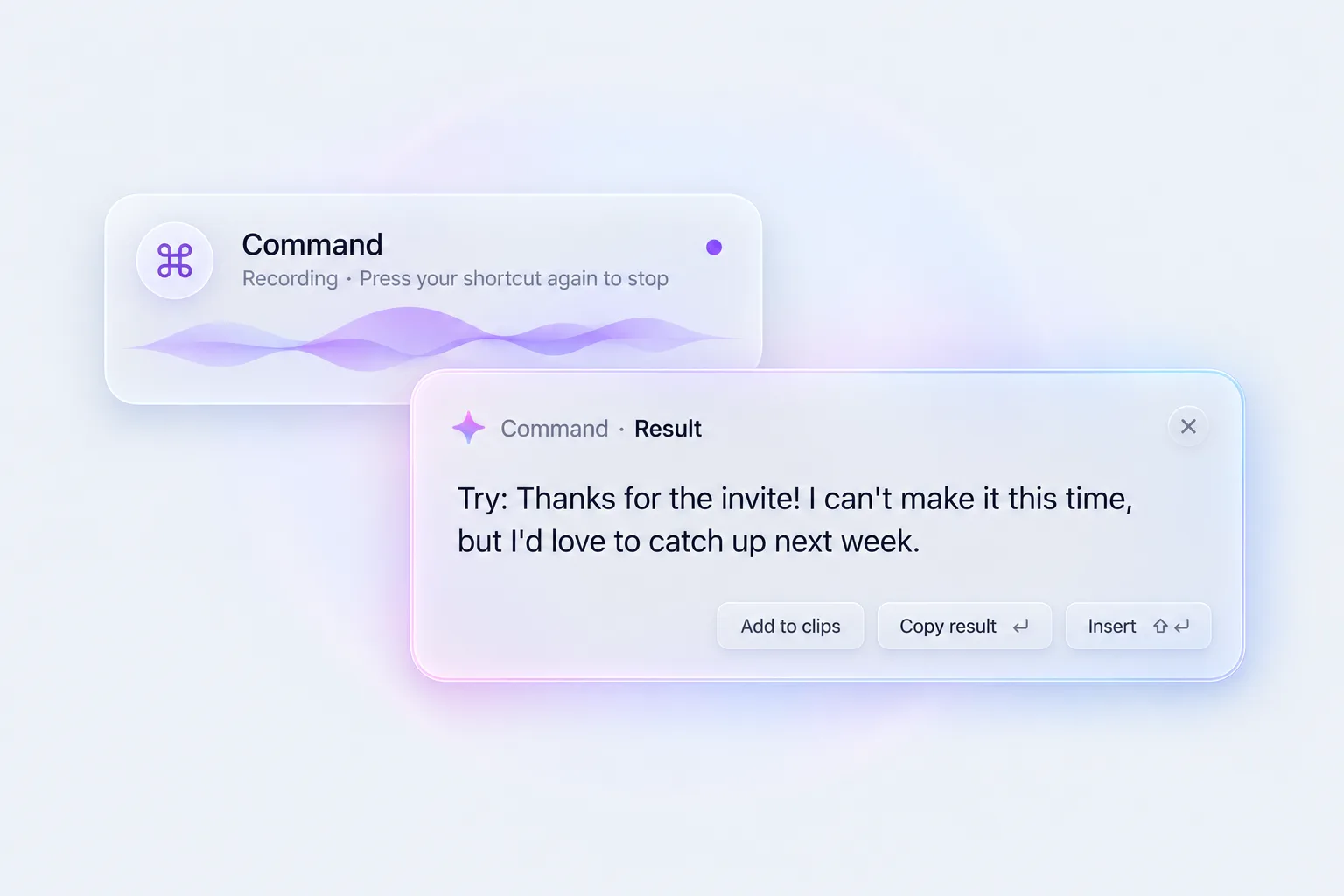
Ask by voice or by typing.
Tap Fn + ⌘ and ask out loud, then tap again to finish. The answer appears in a result panel you can copy, insert at the cursor or save to Clips. Prefer typing? Press ⌥ Space to open Acti AI, then type a request or work on the text you've selected.
- Get several results and insert the one you like.
- Links in answers come with a web preview.
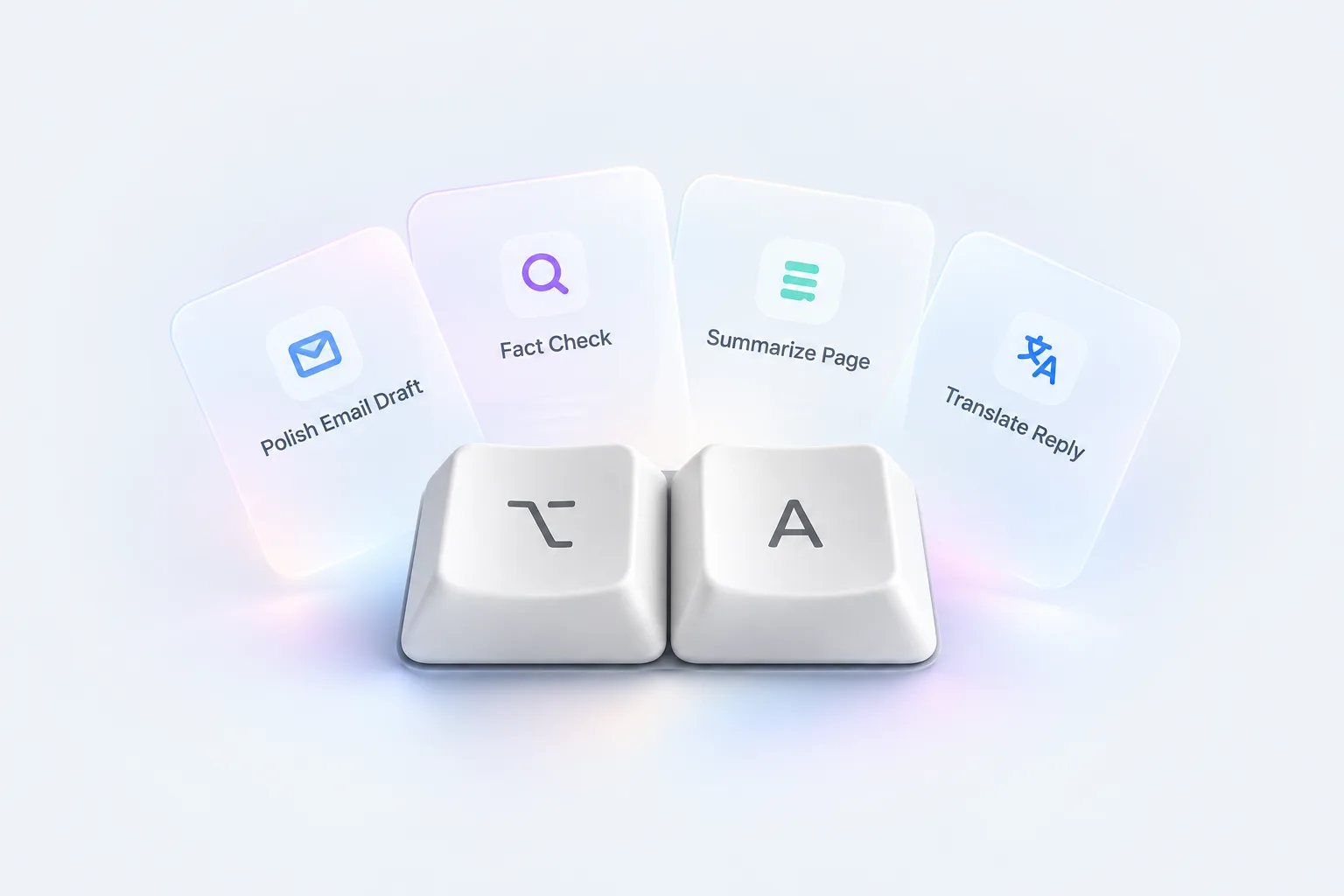
Your Acts, one shortcut away.
Press ⌥ A to run an Act on selected text, the text field, your clipboard or anything you type. Press ⌥ ⇧ A to capture text anywhere on screen, even inside images and PDFs.
- Replace the original, add the result after it, or preview it first.
- Add Acts on your phone; your Mac runs them.
Type less. Paste smarter.
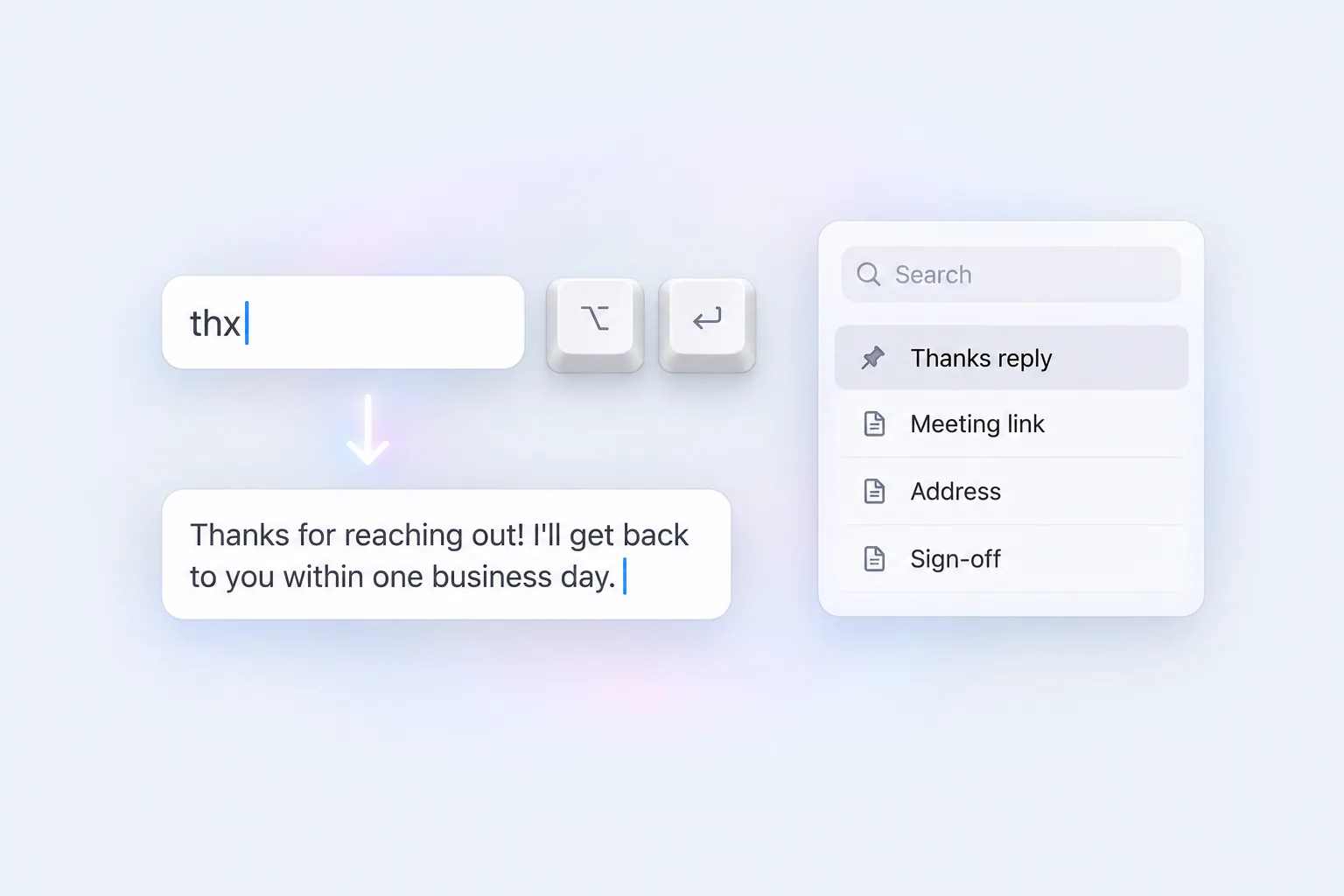
Recent Copies collects the text and images you copy. Save the snippets you use often, then sort them into categories, pin them and search them.
- Type an abbreviation and press ⌥ Enter to expand it.
- Press ⌃ ⌥ Space in any app to pick a snippet and insert it.
- Synced with Clips in the Acti keyboard on your phone.
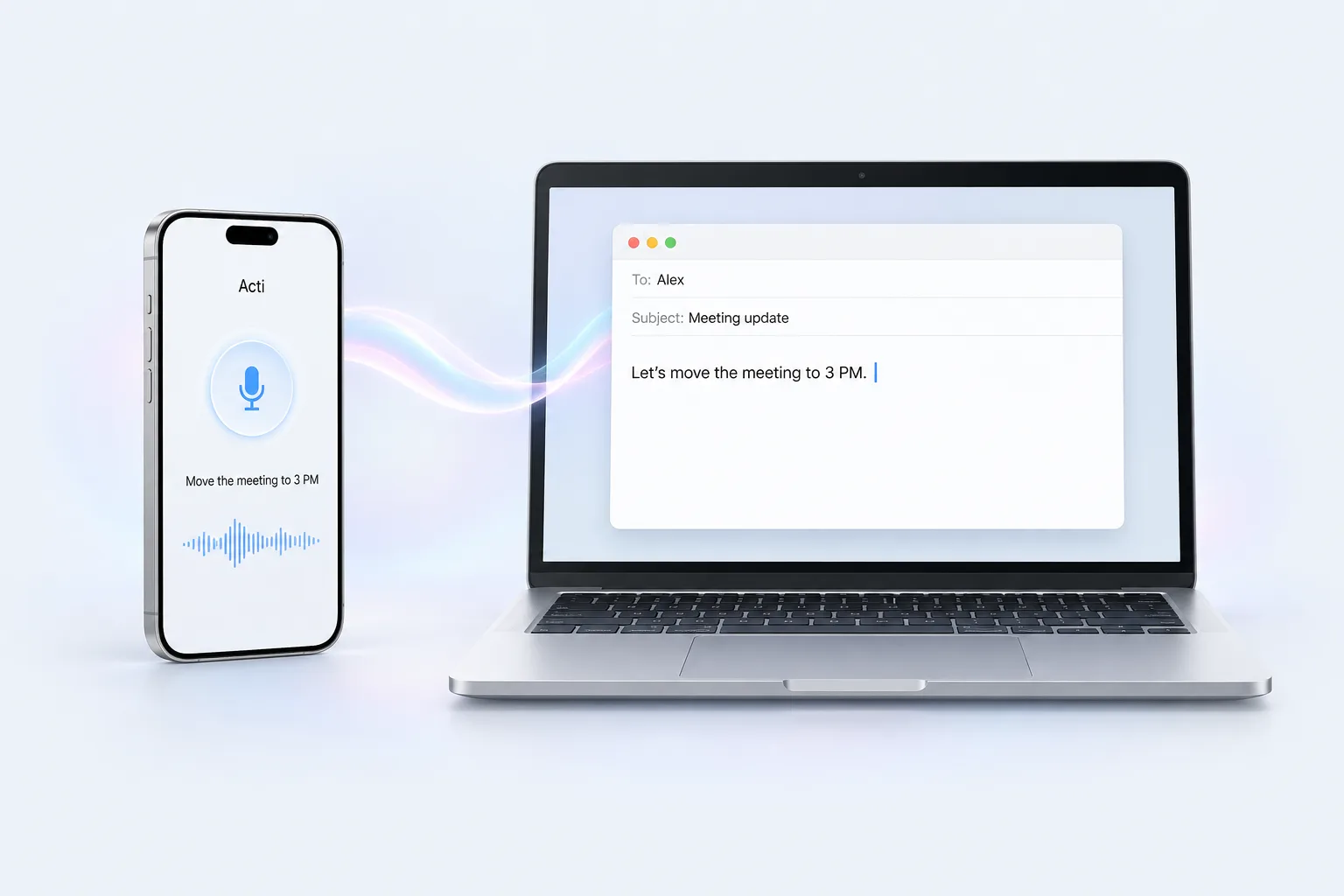
Your phone is a mic for your Mac.
Speak into Acti on your phone and the text is typed on your Mac.
- Copy text on one device and paste it on another. New copied text syncs across devices on the same account.
The little things
Easy to start
- Sign in by scanning with Acti on your phone
- One-minute setup guide
- One-click permission fix
Always ready
- Launch at login
- Automatic updates
Feels like yours
- Light and dark appearance
- 20 interface languages
Requirements
- Acti Pro
- macOS 14 or later
- Apple silicon or Intel Mac (one universal installer)